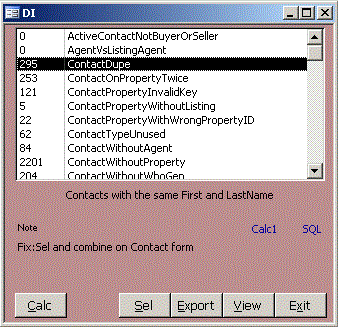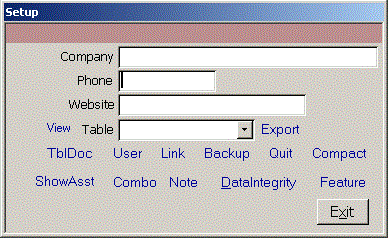
Enter your company's contact info. To see the raw data in any table, select it in the Table combo and click the blue View link. You can sort or move columns. When you close the table, don't save. You can export tables to CSV, DBF, HTM, MDB, RTF, TXT or XML formats. TblDoc creates an HTML data dictionary that describes the fields in each table. Clicn User to open the User form. Super users can add or delete other users. More info on setting up users Link specifies the location of the data tables. It may take a couple minutes to relink the tables. To back up your data tables, click Backup and specify the file location. Click Quit to force users out of the database for maintenance. Compact is similar to defrag for your hard drive. It removes deleted records and rebuilds indexes in your data tables. Note lets you add notes not related to a property, contact or listing.
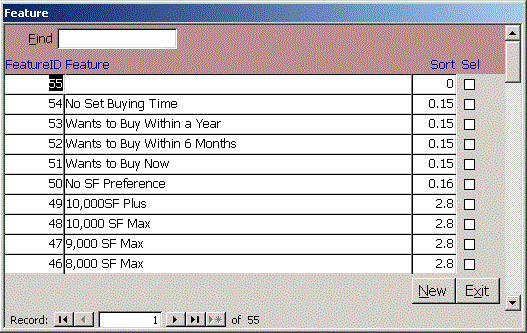 Click Feature to edit the property features desired by a contact.
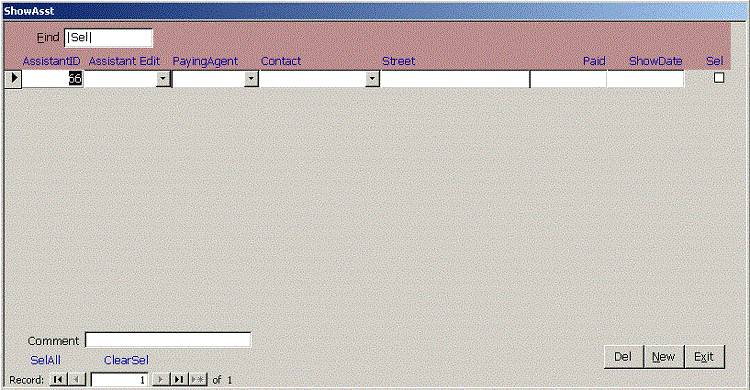 Click Show Assistant to log when showing assistants show a listing.
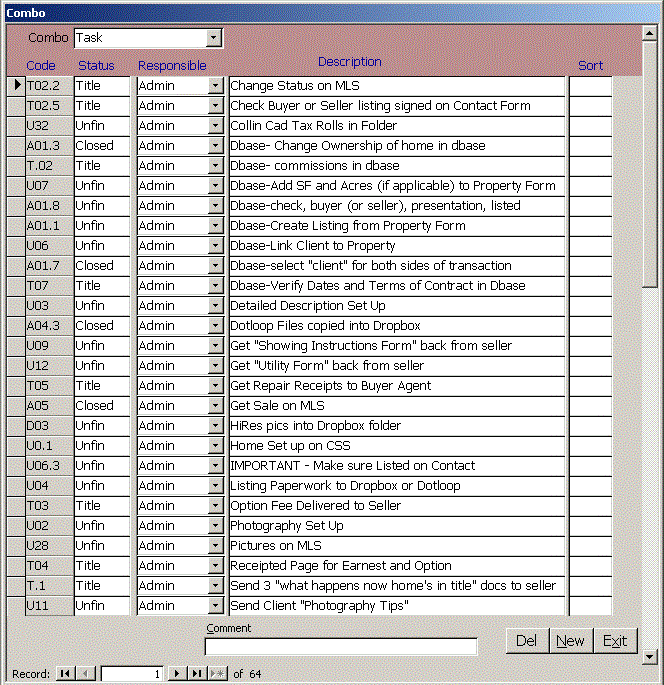
- City
- ContactType
- FoundUsHow
- Group
- ListingAgent
- LogType
- LWTC
- PersonResponsible
- Priority
- PropertyType
- School
- ShowingAssistant
- Status
- Subdivision
- Task
- TransactionType